
MOVING ADVICE
Office move continuity: people, devices and checks
The furniture can arrive on time while staff still cannot do their jobs. A useful office continuity plan connects devices, working arrangements, access and the checks that make a workspace usable. This guide focuses on what a business should coordinate around the physical move, with technology decisions kept under its own IT owner. It is distinct from planning the removal inventory and building logistics.
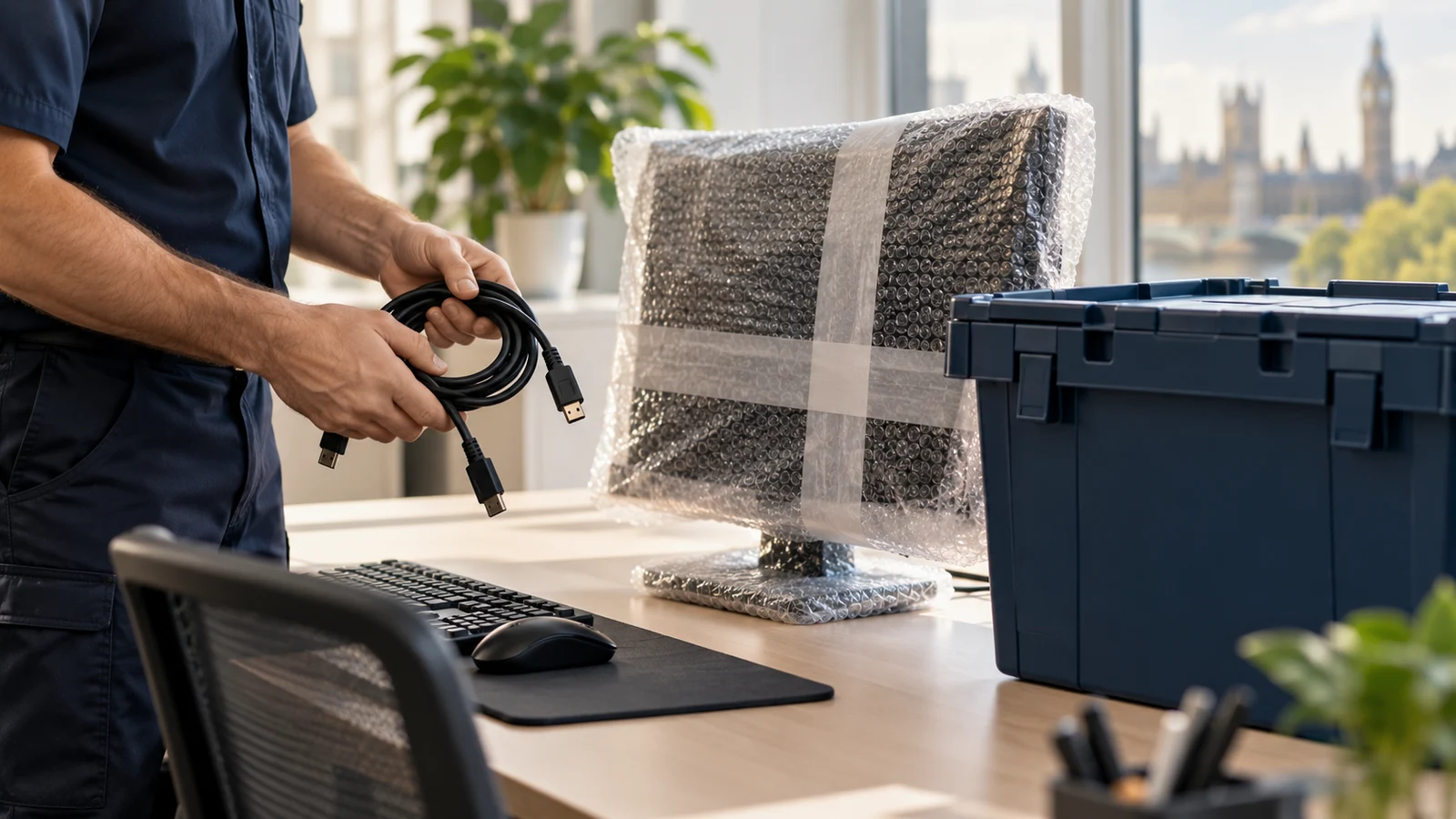
Define the work that must remain possible
List the business activities that must continue during the move and identify who owns each one. Consider customer contact, scheduled appointments, order handling and internal approvals. Plan around business functions rather than assuming every employee needs the same setup at the same moment. Ask each owner what is essential and what can reasonably wait until the new office is ready.
Give the resulting priorities to the lead arranging office removals. Explain which equipment or workspace must be available first, without asking the moving team to decide operational priorities for the business. Keep the continuity list short enough to use during a problem. Record the person who can approve a temporary change to each activity, so a delivery delay does not leave staff waiting for an unavailable manager to decide the next step.
Appoint an IT owner for technical decisions
Name the person or provider responsible for device preparation, system access and reconnection. Ask them to identify what staff should do themselves and what requires authorised support. Transport and technical work are separate responsibilities. A removal appointment should not be assumed to include disconnecting servers, configuring networks or verifying data access, even when the equipment travels with ordinary office furniture.
Use the moving contact to confirm the physical scope and share handling requirements supplied by your IT owner. Keep passwords and sensitive system information out of a general transport inventory. For backup, shutdown and security decisions, follow the organisation’s approved procedures and appropriate manufacturer or specialist guidance. This article does not prescribe a technical migration method; the correct approach depends on the systems, permissions and operational requirements of the business.
Match devices to people and destinations
Create an asset list that connects each device to its assigned person or destination station. Record the necessary accessories without exposing confidential information on public labels. Keep each working setup traceable so a monitor is not delivered to one room while its required adapter remains in a mixed cable box elsewhere. Use asset references already understood by the organisation where possible.
Discuss suitable physical packaging through packing and boxes delivery. Ask the IT owner about device-specific preparation and keep components organised according to those instructions. Avoid labelling every cable ‘computer’ when several different setups need to be restored. Record who is responsible for portable devices that staff retain personally, and distinguish those items from the equipment booked for transport so the same asset is not expected in two places.
Prepare staff instructions for the actual transition
Tell staff where they should work during each stage, what they should pack and who to contact for help. Be specific about belongings they retain and those that enter the moving load. Write instructions people can follow without having attended every planning meeting. Include the current reporting point at the new office and any access arrangements they need to know before travelling there.
If new desks or chairs are arriving through a separate furniture delivery, coordinate that timing with the staff plan. Do not invite everybody back simply because the main collection has happened. Explain which areas are ready and which remain working zones. Give updates through an agreed channel that staff can access during the transition, and provide an alternative route for someone whose usual device or office connection is temporarily unavailable.
Use the floor plan to restore working setups
Connect desk references on the floor plan to the asset list and placement labels. Have the relevant technical owner check requirements such as available connection points before equipment is positioned. Placement should support reconnection, not merely make the room look finished. Leave access for authorised people to work safely, and avoid filling under-desk space with unrelated boxes while installations are still being checked.
Coordinate furniture assembly so desks are ready before equipment needs to be set up on them. Keep the sequence explicit: placement, assembly where required, technical work and functional checks. Do not ask movers to route or modify cabling unless that work has been agreed and is appropriate to their role. Record outstanding furniture or access issues that prevent the IT owner from completing the setup, rather than classifying everything as an unspecified technology delay.
Keep fallback equipment under control
If the business uses spare equipment or temporary working arrangements, decide who can allocate them and how their location will be recorded. A fallback needs an owner and a clear trigger for use. Avoid a situation where several staff take devices home informally and the asset list no longer reflects where company equipment is held or who is responsible for returning it.
For equipment held in storage, confirm acceptance, access and retrieval arrangements before relying on it as an immediate backup. A stored device is not necessarily available at short notice. Keep confidential records and data-bearing equipment within the organisation’s approved handling procedures. Ask the responsible IT or information owner what can be stored, how it should be prepared and who may authorise access; do not substitute a generic moving checklist for those decisions.
Test the work, not just the power light
Agree a short acceptance checklist for each essential activity. A device switching on does not establish that a member of staff can perform their required tasks. Check an actual working process using authorised users and suitable test information, following the organisation’s own rules. Let the relevant business owner confirm readiness rather than leaving the IT owner to guess every department’s operational needs.
Where a missing physical item requires a separate small-load collection, describe the inventory and handling requirements before arranging it. Record the action in the same issue log as technical faults, but identify the responsible provider clearly. Include a retest after the item arrives or the problem is resolved. This stops an issue being closed merely because somebody has delivered a cable or changed a setting without checking that the interrupted work can actually resume.
Close the transition in stages
Track readiness by area or function, with unresolved issues, owners and next actions visible. Make partial readiness explicit so staff know which facilities they can use and which arrangements remain temporary. Keep a clear reporting route for problems discovered after the first return to the office, and avoid treating the end of moving day as the end of every transition task.
If the outgoing office needs cleaning before handback, coordinate it separately from the new office’s technical readiness. Check that no required device, adapter or record remains in the old space before access ends. Once normal work has resumed, reconcile the asset list, close temporary allocations and archive the final instructions. Review what caused confusion and update the organisation’s own continuity notes while the practical lessons are still easy to identify.
| Check | Responsible decision |
|---|---|
| People | Where staff work during transition |
| Assets | Device and accessory location |
| Systems | Authorised IT preparation and testing |
| Operations | Business owner confirms essential task works |
Questions worth asking.
Does the removal team reconnect our IT systems?
Do not assume technical work is included in transport. Confirm the physical moving scope separately and assign an authorised IT owner to preparation, reconnection and testing. Provide device handling requirements through that owner and keep sensitive credentials outside general moving instructions.
What should staff keep with them during the move?
Decide this through the organisation’s own working and security arrangements. Give clear instructions for personal belongings, portable devices and essential accessories. Record company assets that staff retain so they are not also expected in the removal load, and explain how temporary arrangements will end.
How do we decide when staff can return?
Use readiness checks for the activities and areas they need. Consider access, furniture, devices and operational tests rather than only whether the vehicle has arrived. Let the relevant business and technical owners confirm what works, and communicate any remaining restrictions or temporary arrangements clearly.
What belongs in the office move issue log?
Record the issue, affected activity, owner, next action and retest needed. Distinguish physical missing items from technical problems and building restrictions. Keep the log accessible to the people coordinating the transition so a task is not closed simply because one part of the solution has been delivered.
PUT YOUR PLAN INTO PRACTICE
Planning your own move?
Have your postcodes, preferred date and item list ready. Call BestMove to discuss the service and the details that will shape your quote.